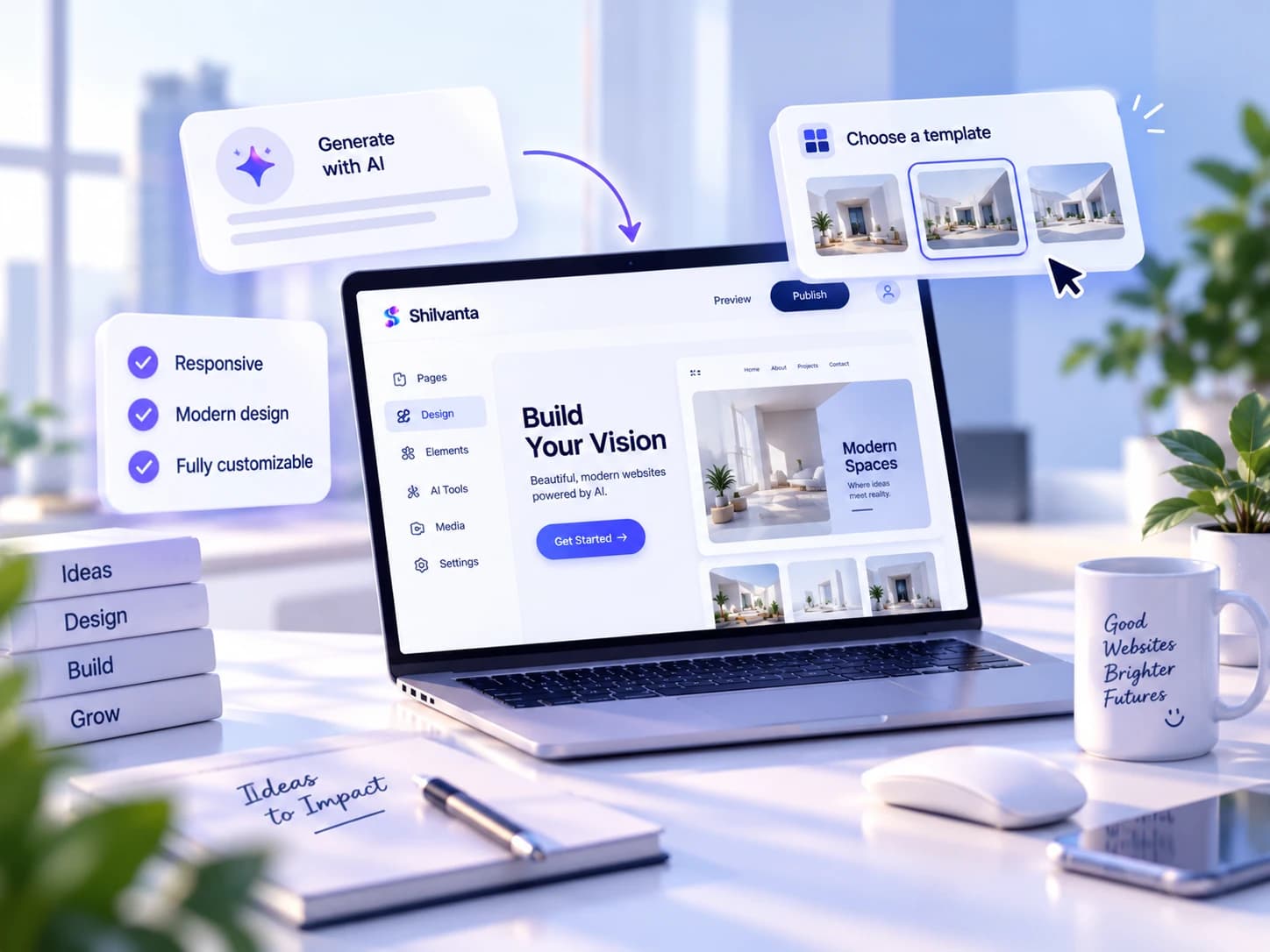
AI website builderNew

Design websites with AI.

Turn a simple idea into a polished website design in minutes. Shilvanta helps you create layouts, content and visual direction with AI, then customize everything in a powerful visual editor.

No credit card required Responsive designs Fully customizable
AKSMTL+3k

Loved by 3,000+ builders

Soft abstract glass backdrop in the Shilvanta blue palette
Live preview
yourbrand.com
New launch
Website generated6 sections · 48 seconds
Live in 2 minutesNo hosting setup needed

From first idea to published website

SaaS·Business·Portfolio·Product
From idea to website

Describe the website you need.
Shilvanta creates the first design.

Example: “Create a modern landing page for an AI-powered project management SaaS.”

TrySaaS landing pagePortfolio siteBusiness site
Eight pieces,
one prompt
Live preview
✦ Shilvanta AI Thinking
A modern landing page for an AI-powered project management SaaS.
Hero section
Feature grid
Pricing table
Draft ready — 6 sections generated in 12 seconds
Website structure
Page sections
Headlines & copy
Layouts
Images & visual elements
CTA sections
Pricing sections
FAQ sections
Every kind of site

Build any type
of website.

01 — 05

From SaaS marketing sites to creative portfolios, Shilvanta shapes the right layout for every goal.

The obvious first build

SaaS Websites

Create modern websites for software products and startups.

Product marketingFree trialsFeature tours
Start creating
✦ AI generated

AI-generated SaaS website dashboard design
02

Landing Pages

Design focused pages for products, campaigns and launches.

03

Business Websites

Create professional websites for companies and services.

04

Product Pages

Showcase products, features and benefits with clear visual layouts.

05

Portfolio Websites

Present your work, projects and creative profile professionally.

Built faster

Build websites faster
with AI.

Describe. Generate. Customize.

01

Generate

Create a complete website concept from a simple prompt.

Building sections6/6
02

Write

Generate headlines, descriptions, CTAs and page copy.

Welcome to our software company.

Project management that keeps every team in sync.

03

Layout

Build sections with smart layouts and responsive structures.

1234
04

Improve

Ask AI to rewrite, redesign or improve any section.

05

Variations

Explore different layouts and visual directions for the same idea.

Design without limits

AI gives you the starting point.
You control the final design.

The Shilvanta editor gives you complete control over every layout, every section, every detail.
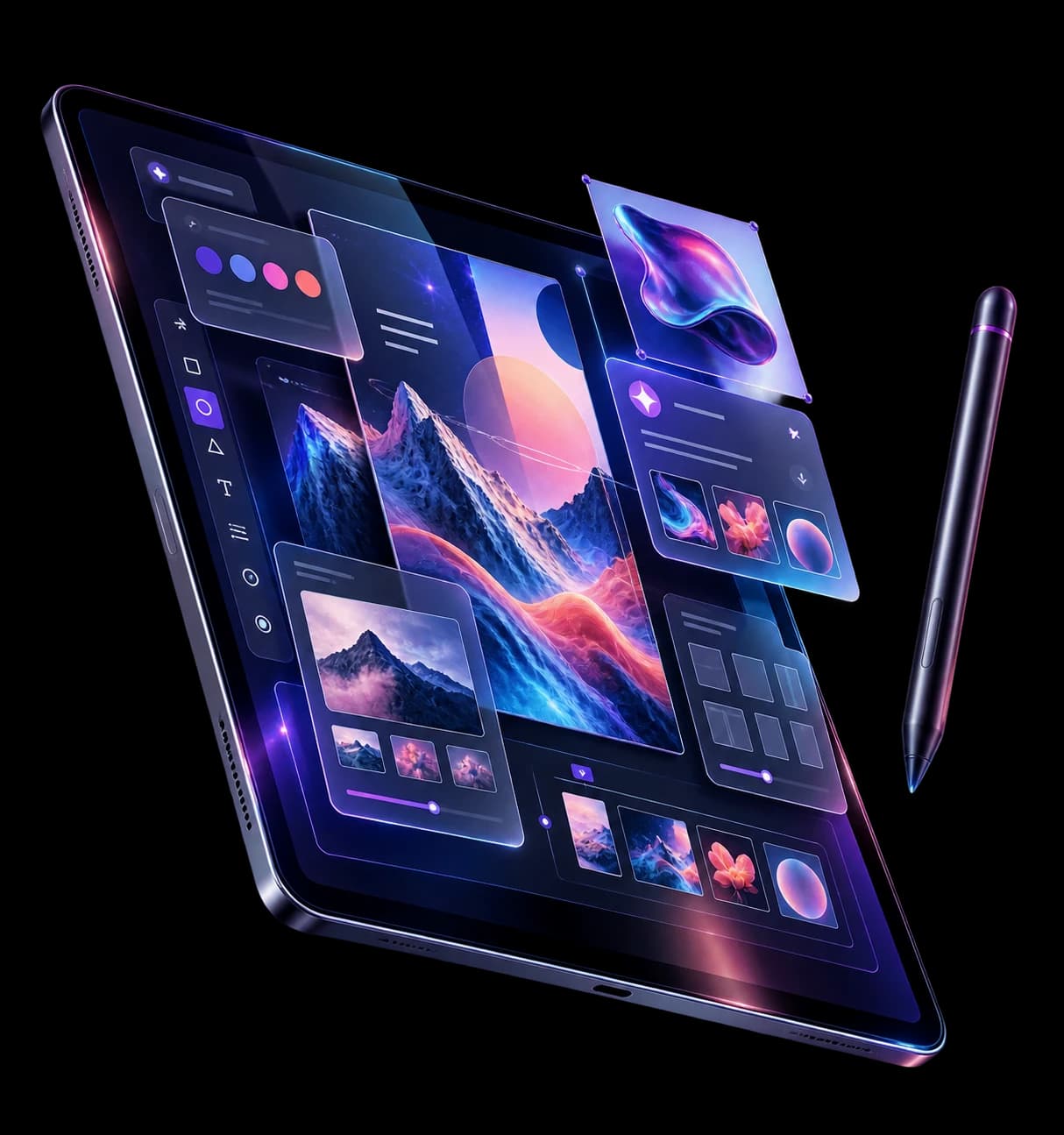
  • Edit text and content
  • Replace images
  • Change layouts
  • Add or remove sections
  • Adjust colors & typography
  • Create responsive layouts
  • Apply your Brand Kit
  • Duplicate & customize sections
Shilvanta's visual editor open on a tablet, with layout, color and image tools
Brand kit applied4 colors · 2 fonts
Auto-saved
Section library

Create complete
website sections.

Build your website section by section.

Hero

Make a strong first impression.

Features

Show what your product does.

How It Works

Explain your product clearly.

123

Testimonials

Show customer experiences.

Pricing

Present your plans and features.

Starter$0
Pro$24
Team$49

FAQ

Answer common questions.

CTA

Turn visitors into users.

Brand control center

Your website,always on brand.

Save your logo, colors, fonts and brand assets. Shilvanta applies your Brand Kit across your website to maintain a consistent visual identity.

One-click brand application
Automatic contrast and hierarchy
Always consistent across every page
Aa

Every page stays
unmistakably yours.

Shilvanta Brand Kit Auto-synced

Color system

Website palette

Cobalt#276FE8
Indigo#4C57EE
Cyan#19C2F0
Sky#CFE6FF

Primary logo

Shilvanta brand logo

Typography

Aa

Built to convert.

Bold headlines paired with clear, effortless body copy.

SoraInter
Applied across your site6 pages updated instantly
100% on-brand
01
02
03
Brand appliedLooking sharp ✦
Templates

Start with a template.
Make it yours.

Professional website templates, ready to customize.

SaaSStartupBusinessPortfolioProductLanding Page
SaaS Landing Page template preview
View template
Business

SaaS Landing Page

Portfolio Showcase template preview
View template
Portfolio

Portfolio Showcase

How it works

From idea. To website.

Skip the blank canvas. Go from a rough idea to a published website without breaking your flow.

First draft in under a minuteRefine at your own pace.
01

Start with a thought

Describe your website

Write a sentence about what you're building. Rough ideas are welcome.

Your prompt

Build a landing page for our sustainable travel app...

12 words
02

Watch it take shape

Generate the first design

AI builds the structure, writes the content, and designs every section.

Building your site84%
03

Make it unmistakably yours

Customize every section

Fine-tune layouts, swap images, and apply your brand kit across pages.

Brand kit applied
04

Share with confidence

Export & share

Publish a live link, export the code, or hand it off to development.

LIVECODEHANDOFF
No learning curveYour content stays editablePublish whenever you’re ready
Start with one sentence

Have awebsite idea?

Turn it into a polished design with Shilvanta AI—structure, copy and layout, all shaped in minutes.
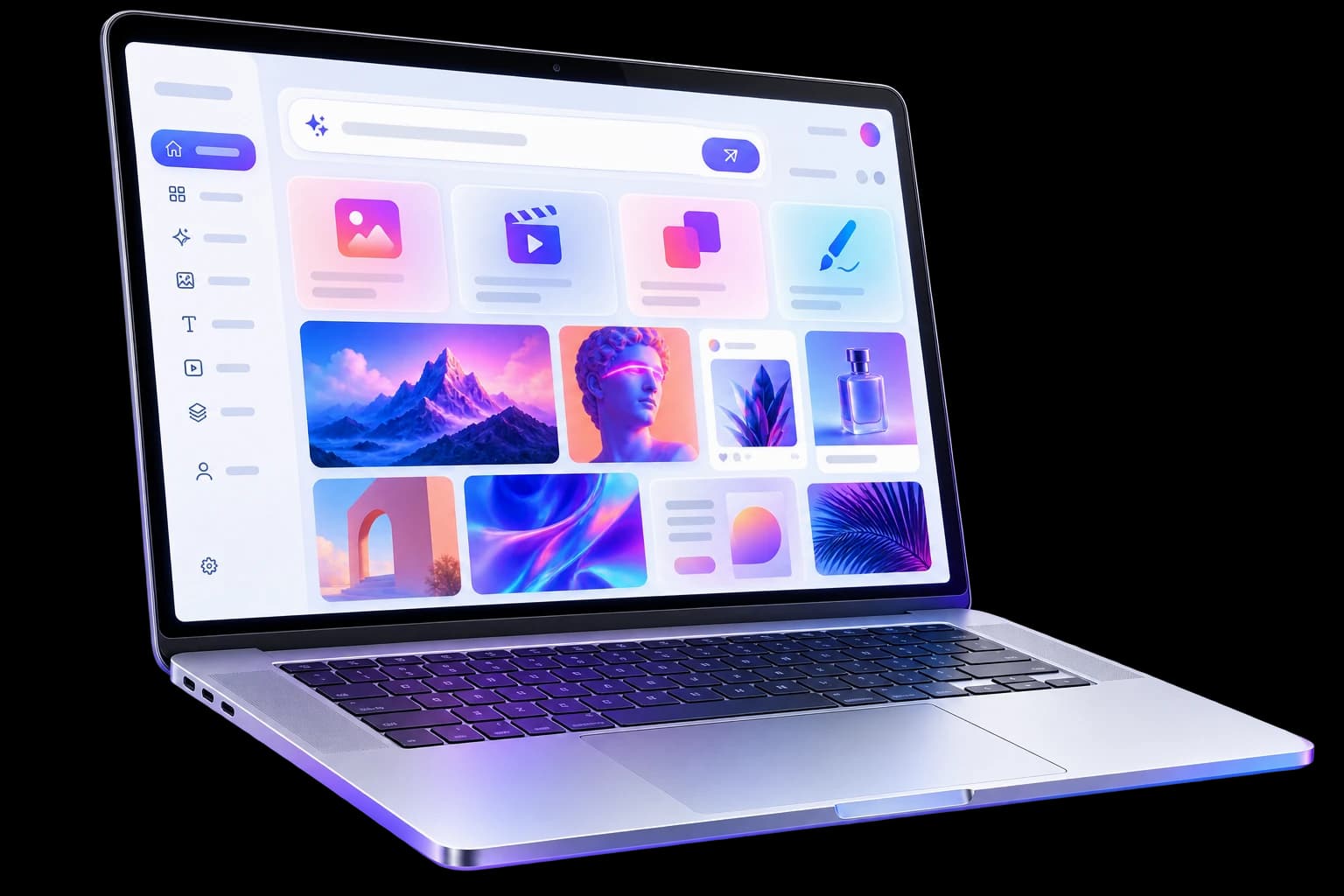
Free to start No credit card Your first website in minutes
A website design workspace open on a laptop
Ready to publishThat was fast.
Create · refine · publish